
Data Analytics for Business Growth: A Practical Guide
Learn how to use data analytics to grow your business. Covers analytics tools, KPI selection, dashboard setup, and actionable insights for Indian SMBs in 2026.
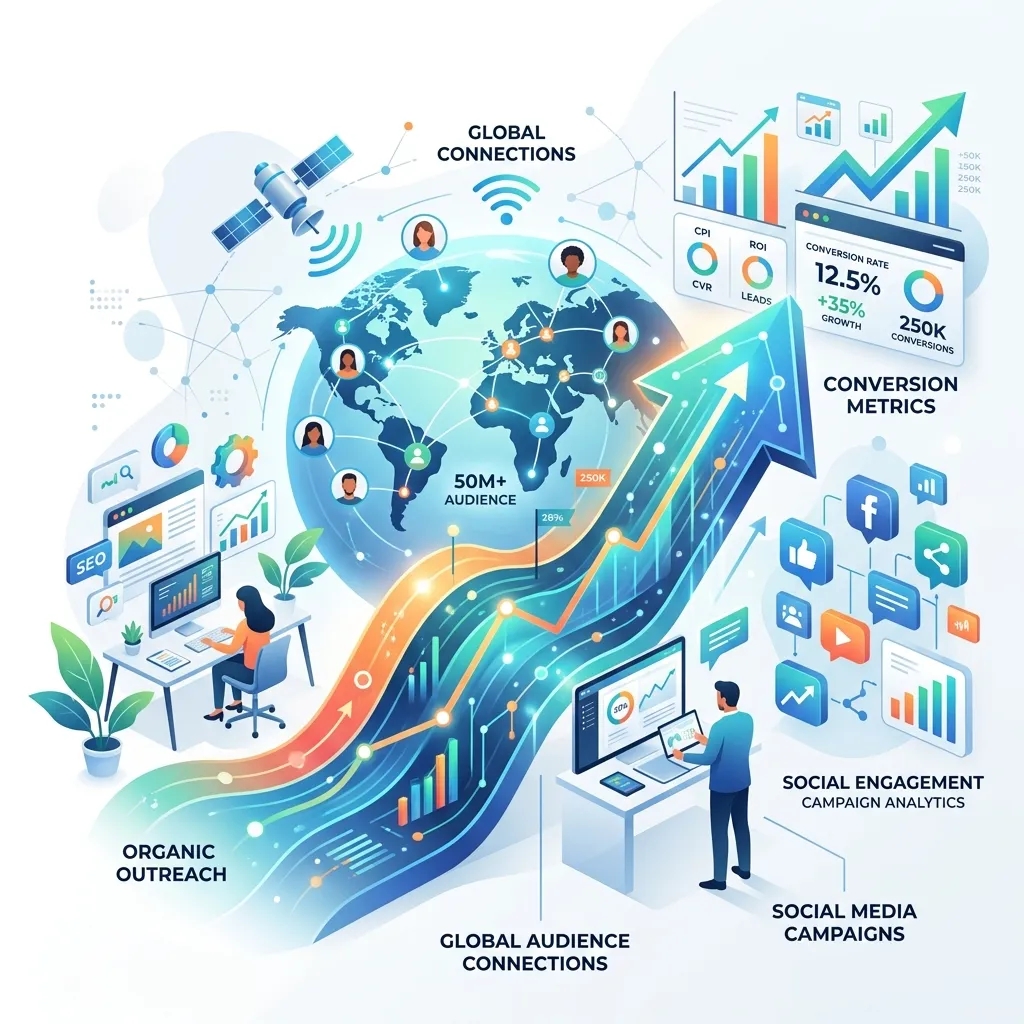
The short answer: Start by tracking five core metrics — website traffic, conversion rate, customer acquisition cost, customer lifetime value, and revenue per customer. Use free tools like Google Analytics and Looker Studio to build a simple dashboard. Review it weekly for 30 minutes. That alone will put you ahead of 80 percent of small businesses.
Data analytics sounds like something only large enterprises with dedicated data science teams can do. The reality is different. Modern analytics tools are affordable, accessible, and designed for non-technical users. A small business in 2026 can set up a powerful analytics stack in a few hours, at little to no cost.
This guide covers what data to track, which tools to use, how to build dashboards, and — most importantly — how to turn data into action.
Why Data Analytics Matters for Small Businesses
Every business generates data. Sales transactions, website visits, customer enquiries, social media engagement, email responses, and support tickets all contain valuable information. The difference between businesses that grow and businesses that stagnate is whether they use this data or ignore it.
Data analytics helps you answer critical questions:
- Which marketing channels deliver the best customers?
- Why are customers dropping off at a specific step?
- What is the real cost of acquiring a customer?
- Which products or services are most profitable?
- When is the best time to launch a campaign?
Without data, you make decisions based on intuition, assumptions, or whatever worked last year. With data, you make decisions based on evidence.
The Five Core Metrics Every Business Should Track
1. Website Traffic
Track total visitors, new vs returning visitors, traffic sources (organic search, paid ads, social media, direct, referral), and page views. This tells you whether your marketing efforts are driving awareness.
Target: Aim for month-over-month growth of 10-20 percent in total traffic. Analyse which sources are growing fastest and double down on them.
2. Conversion Rate
Conversion rate measures the percentage of visitors who take a desired action — making a purchase, filling out a contact form, signing up for a newsletter, or booking a consultation.
Target: Average conversion rates vary by industry. E-commerce stores average 2-3 percent. B2B service sites average 3-5 percent for contact forms. Track your baseline and aim for 15-25 percent improvement over six months.
3. Customer Acquisition Cost (CAC)
CAC is the total cost of acquiring a new customer, including marketing spend, sales team salaries, advertising costs, and software subscriptions.
Formula: Total sales and marketing costs / Number of new customers acquired
Target: Your CAC should be significantly lower than your customer lifetime value. A healthy ratio is 3:1 (LTV:CAC). If your CAC is too high, focus on cheaper marketing channels or improve conversion rates.
4. Customer Lifetime Value (LTV)
LTV predicts the total revenue a customer will generate during their relationship with your business. For service businesses, this includes repeat projects, retainers, and referrals.
Formula: Average purchase value × Average purchase frequency × Average customer lifespan
Target: Higher LTV means you can afford higher CAC. Focus on increasing LTV through upsells, cross-sells, retainers, and referral programs.
5. Revenue Per Customer
This simple metric tracks average revenue per customer over a specific period. It helps you identify your most valuable customer segments and tailor your marketing accordingly.
Target: Increase year over year through pricing optimisation, upsells, and targeting higher-value customer segments.
Building Your Analytics Stack
You do not need expensive enterprise software. A practical analytics stack for a small business costs nothing or very little:
| Tool | Purpose | Cost | Setup Time |
|---|---|---|---|
| Google Analytics 4 | Website and app analytics | Free | 1-2 hours |
| Google Search Console | SEO performance | Free | 30 minutes |
| Google Looker Studio | Dashboards and reports | Free | 2-4 hours |
| Google Tag Manager | Event tracking | Free | 1-2 hours |
| Hotjar | Heatmaps and session recordings | Free tier | 30 minutes |
| Zoho Analytics | Business intelligence | Free tier | 2-4 hours |
For e-commerce businesses, your platform (Shopify, WooCommerce) already tracks sales data. Connect it to Google Analytics for a unified view.
Creating Your First Dashboard
A well-designed dashboard answers your most important questions at a glance. It should fit on a single screen and take less than 30 seconds to understand.
Dashboard Layout
Top row (the headline numbers):
- Total revenue (this month vs last month)
- Total visitors (this month vs last month)
- Conversion rate
- Active customers
Middle row (marketing performance):
- Traffic by source (organic, paid, social, direct, referral)
- Cost per lead by channel
- Top landing pages by traffic
Bottom row (customer insights):
- New vs returning visitors
- Top geographic regions
- Device breakdown (desktop, mobile, tablet)
- Goal completions (contact forms, purchases, sign-ups)
Building in Looker Studio
Google Looker Studio (formerly Data Studio) connects to Google Analytics, Google Ads, Google Sheets, and hundreds of other data sources. It creates interactive, visual dashboards without coding.
Basic setup:
- Connect your data sources (GA4, Search Console, Google Sheets)
- Add scorecards for headline numbers
- Add time series charts for trends
- Add pie or bar charts for breakdowns
- Add filters for date range and segment analysis
- Share with your team via a link
Turning Data into Action
Data without action is just noise. Here is how to use your analytics to make better decisions:
Weekly Review (15-30 minutes)
- Check traffic trends — any spikes or drops?
- Review conversion rates — any significant changes?
- Identify top-performing content or products
- Note any anomalies to investigate
Monthly Review (1-2 hours)
- Compare this month to last month and same month last year
- Analyse which marketing channels delivered the best ROI
- Review customer acquisition cost trends
- Identify pages or funnels with high drop-off rates
- Plan next month’s marketing priorities
Quarterly Review (Half-day)
- Deep-dive into customer segments and lifetime value
- Review year-to-date performance against goals
- Analyse competitive landscape changes
- Update your analytics setup for new business priorities
- Set data-backed goals for the next quarter
Common Analytics Mistakes
Tracking everything. More data is not better. Focus on the metrics that inform specific decisions. If you cannot explain why a metric matters for your business, stop tracking it.
Vanity metrics. Social media followers, page views, and email list size feel good but do not directly impact revenue. Track metrics that correlate with business outcomes.
Ignoring context. A traffic spike on Monday might mean your campaign worked — or it might be a seasonal pattern. Always compare against historical baselines and external factors.
Analysis paralysis. Perfect data is the enemy of good decisions. Use the data you have to make a decision, then measure the outcome. Adjust as you learn more.
Advanced Analytics for Growing Businesses
As your business grows and your analytics maturity increases, consider adding:
Predictive analytics. Forecast future revenue, customer behaviour, and market trends using historical data. Tools like Akkio and Obviously AI make predictive analytics accessible to non-technical users.
Customer segmentation. Group customers by behaviour, demographics, and purchase patterns. Tailor marketing messages and product recommendations to each segment.
Cohort analysis. Track how groups of customers who signed up in the same period behave over time. This reveals retention patterns and helps identify which customer acquisition channels deliver the most loyal customers.
Attribution modelling. Understand which marketing touchpoints contribute most to conversions. Move beyond last-click attribution to understand the full customer journey.
Getting Started Today
You do not need a data team, a big budget, or months of preparation to start using data analytics. Here is your action plan:
Today: Sign up for Google Analytics 4 and add the tracking code to your website. Submit your site to Google Search Console.
This week: Set up conversion tracking in GA4 for your key actions (contact form submissions, purchases, sign-ups). Connect GA4 to Looker Studio and build a simple one-page dashboard.
This month: Review your dashboard weekly for 30 minutes. Identify one data-driven change to make — adjust a marketing channel, optimise a landing page, or change your pricing.
This quarter: Add a second data source (Google Ads, social media analytics, CRM data) to your dashboard. Review your analytics setup and refine your KPI selection.
How DigiHaryana Can Help
We help businesses set up analytics infrastructure, build custom dashboards, and develop data-driven marketing strategies. Our services include Google Analytics 4 setup, conversion tracking implementation, dashboard creation in Looker Studio, and ongoing analytics consulting.
Related Articles
Google Ads & PPC Management Services in Hisar — Get More Customers Fast
Need Google Ads management in Hisar? We run profitable PPC campaigns that generate leads within 24 hours. Google Ads, Facebook Ads & LinkedIn Ads. Starting at ₹8,000/month.

Social Media Marketing Packages in Hisar — Grow Your Business on Instagram, Facebook & LinkedIn
Social media marketing packages for Hisar businesses starting at ₹5,000/month. Instagram, Facebook, and LinkedIn management with content creation, posting, and paid ads.

LinkedIn Marketing for B2B Businesses in India: Complete Strategy Guide 2026
Learn how to generate B2B leads on LinkedIn in 2026. Complete guide covering organic content strategy, LinkedIn Ads, profile optimization, and proven tactics for Indian businesses.
Get Professional Data Analytics Services
Sub-5s dashboards with 35% better forecast accuracy — BI, data visualisation, predictive analytics, and data pipelines.
