
What is Headless CMS? When to Use It
Understand headless CMS architecture, its benefits over traditional CMS, and when to choose it for your next web development project in India.
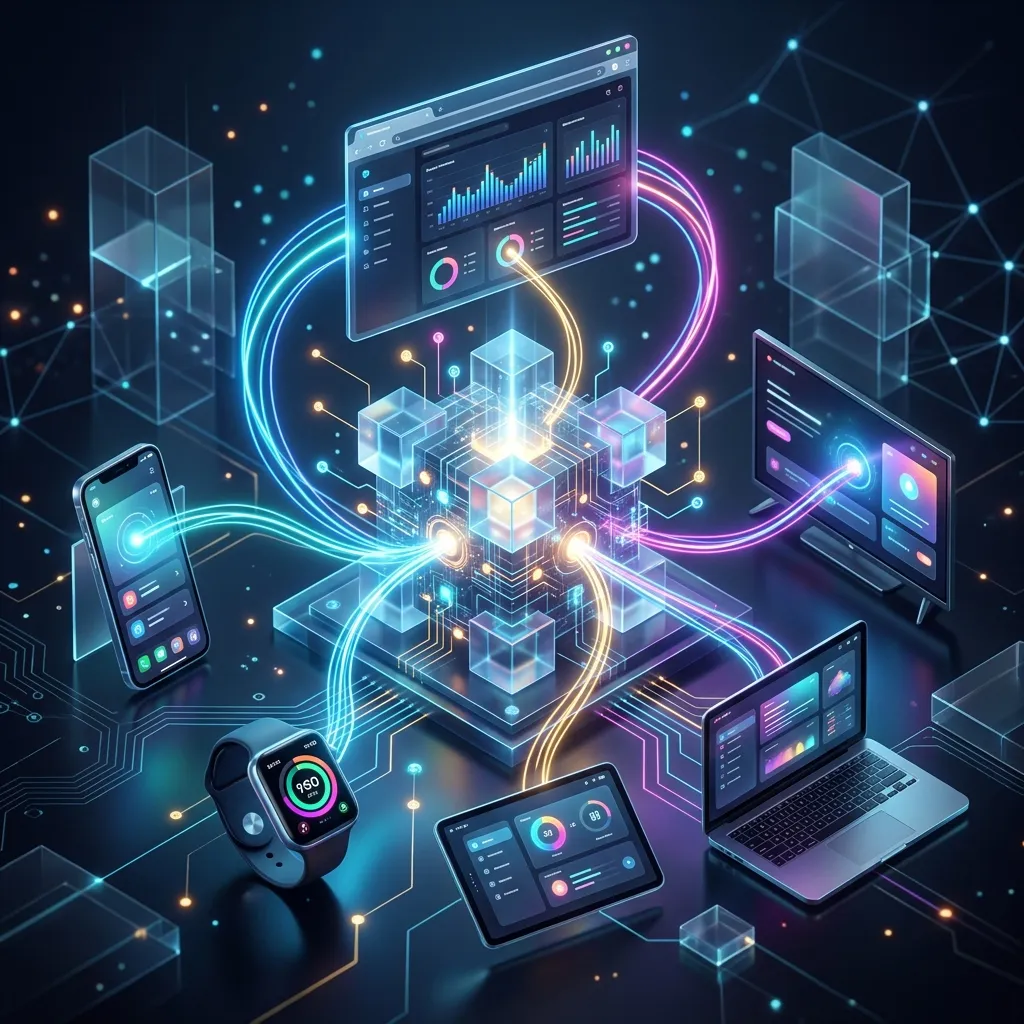
The way we build websites has changed dramatically over the past decade. Gone are the days when a single monolithic system handled everything — from content storage to HTML rendering. The modern web demands flexibility: content needs to flow from a central source to websites, mobile apps, voice assistants, kiosks, and platforms that haven’t been invented yet. This shift in thinking gave rise to the headless CMS, an architecture that separates content management from content presentation. For development teams, marketers, and business owners, understanding this paradigm is no longer optional — it’s essential.
What is a Headless CMS?
A headless CMS is a content management system that decouples the content repository (the “body”) from the presentation layer (the “head”). In plain language, it’s a backend-only platform where you create, store, and organize content. The CMS has no built-in website or frontend. Instead, it exposes content through APIs — typically REST or GraphQL — that developers use to build custom frontends.
Think of it like a database with a user-friendly interface. Editors log into a dashboard to write articles, upload images, or manage product catalogs. Developers then build separate applications — a React website, a Flutter mobile app, an Alexa skill — that pull content from the CMS via API calls. The CMS doesn’t care how the content is displayed; it only manages the content itself.
Here’s a simplified mental model:
- Traditional CMS: Editor → CMS Dashboard → Built-in Templates → HTML Output → User
- Headless CMS: Editor → CMS Dashboard → API Layer → Website / Mobile App / IoT Device → User
This separation is what makes headless architecture so powerful. The content becomes portable, reusable, and future-proof.
Headless vs Traditional CMS
Understanding the differences requires examining several key dimensions:
Architecture
A traditional CMS like WordPress or Drupal bundles content management, database storage, template rendering, and frontend delivery into a single application. A headless CMS strips out the presentation layer entirely, leaving only the content management backend and an API endpoint.
Frontend Flexibility
Traditional CMS platforms lock you into their templating system. WordPress themes and Drupal modules define what your site can look like. A headless CMS imposes zero restrictions — use React, Vue, Svelte, Astro, or any framework that hasn’t been released yet.
Performance
Traditional CMS platforms render every page on the server, processing PHP or Python code and querying the database for each request. Headless CMS platforms deliver content through CDN-cached APIs, and when paired with static site generation, pages are pre-rendered at build time for dramatically faster load times.
Security
Traditional CMS platforms expose their full application stack to the public. WordPress runs PHP on the server, queries MySQL, and relies on third-party plugins that introduce vulnerabilities. A headless CMS has a much smaller attack surface — the frontend is static HTML with no server-side execution, and the CMS backend lives on separate, secured infrastructure.
Scalability
Scaling a traditional CMS means scaling the entire stack — web servers, databases, caching layers, and load balancers. A headless CMS scales more efficiently because CDN-delivered content handles traffic spikes without additional server infrastructure.
Editorial Experience
Traditional CMS platforms offer visual page builders and WYSIWYG editors. Headless CMS platforms typically provide form-based editors, though this gap is narrowing with tools like Vercel Preview and custom editorial workflows.
| Feature | Traditional CMS | Headless CMS |
|---|---|---|
| Frontend | Built-in templates | Custom-built |
| API | Limited or none | REST / GraphQL |
| Performance | Server-rendered | CDN / static |
| Security | Full attack surface | Minimal surface |
| Scalability | Vertical / complex | CDN / serverless |
| Editor UX | Visual / WYSIWYG | Form-based |
How Headless CMS Works
The core of a headless CMS is its API-first approach. Every piece of content — articles, images, product data, metadata — is accessible through well-defined API endpoints. Here’s the typical workflow:
- Content Creation: Editors use the CMS dashboard to create structured content types (blog posts, pages, products) with defined fields (title, body, author, featured image).
- Content Storage: Content is stored as structured data — not as HTML pages. A blog post is a JSON object with separate fields for title, content, excerpt, and publish date.
- API Delivery: Frontend applications make API requests to fetch content. For example,
GET /api/articles?limit=10returns the latest ten posts as structured JSON. - Frontend Rendering: The frontend renders the JSON according to its own design system. The same data might become a card component on a website, a list item in a mobile app, or a voice response on a smart speaker.
- Content Updates: When an editor updates content, the change is immediately available through the API. Updates may appear instantly (client-side fetching) or at the next build cycle (static generation with revalidation).
Platforms like Sanity and Contentful also offer real-time APIs that push content changes to connected frontends instantly via webhooks and subscriptions.
Top Headless CMS Options
Strapi
Open-source and self-hosted, built with Node.js. Provides a drag-and-drop content type builder and automatic API generation. Free to use, with Strapi Cloud starting at $29/month. Best for teams wanting full control over their data.
Contentful
Enterprise-grade and cloud-hosted. Offers rich content modeling, powerful APIs, image transformation, and localization. Starts at $300/month. Best for large organizations with complex content needs.
Sanity
A platform for structured content with real-time collaboration and a flexible query language (GROQ). Open-source core with hosted infrastructure. Offers a generous free tier. Best for agencies needing customized editorial experiences.
WordPress as Headless CMS
WordPress can function headless via its REST API or WPGraphQL. Keep WordPress for content management and build a custom frontend. Best for teams modernizing existing WordPress sites without abandoning the CMS.
Directus
Open-source tool that wraps any SQL database with REST and GraphQL APIs plus a no-code admin dashboard. Best for projects needing to add content management to existing databases.
Benefits of Headless CMS
Performance: Content delivered through CDN APIs and pre-rendered at build time loads significantly faster. Sites built with headless CMS and static generation consistently score 90+ on Google Lighthouse.
Flexibility: Your frontend team has complete creative freedom. Switch frameworks without touching your content — the CMS becomes a technology-agnostic content backend.
Multi-Channel Delivery: Write a product description once and publish it to your website, mobile app, email campaigns, and social media feeds. This eliminates content duplication and ensures consistency.
Security: With no server-side rendering, no PHP execution, and no exposed database, the attack surface is minimal. Traditional CMS vulnerabilities are largely eliminated.
Future-Proofing: When the next big frontend framework arrives, you don’t rebuild your CMS. Your content stays in place, and you build a new frontend. This protects your content investment.
Drawbacks and Challenges
Development Complexity: A headless CMS requires building and maintaining a custom frontend. This demands skilled developers, testing infrastructure, and deployment pipelines. For simple websites, this complexity may not justify the benefits.
No Built-in Preview: Editors accustomed to WordPress’s live preview will find the transition jarring. Most headless CMS platforms show content as forms and fields. Preview solutions exist but require additional setup.
Editorial Workflow: Traditional CMS platforms offer drag-and-drop page builders. Headless CMS platforms rely on structured content fields, requiring editors to understand content modeling.
Cost at Scale: Enterprise platforms like Contentful can become expensive as content volume grows. Self-hosted options are free but require infrastructure costs.
When to Use Headless CMS
Choose headless CMS when:
- Content needs to reach web, mobile, IoT, and emerging platforms
- Core Web Vitals and load speed directly impact revenue
- Your project requires a custom user experience beyond standard websites
- You have frontend developers who can build and maintain custom interfaces
Stick with traditional CMS when:
- You’re building a simple blog, portfolio, or brochure site
- Your team lacks frontend development expertise
- Editors need visual page building without developer involvement
Headless CMS + Static Site Generators
The combination of headless CMS and static site generators represents the most performant web architecture available today.
Next.js supports static generation, server-side rendering, and incremental static regeneration. It fetches content from the headless CMS at build time or on-demand, pre-rendering pages with perfect SEO and instant load times.
Astro is designed for content-focused websites. It ships zero JavaScript by default and renders content as static HTML. Astro integrates seamlessly with every major headless CMS.
Gatsby pioneered the headless CMS + static generation pattern with strong image optimization and a plugin ecosystem.
The workflow is straightforward: editors manage content in the headless CMS, developers build pages with the static site generator, and the build system pulls content from the CMS API to generate static HTML. These files deploy to CDNs like Vercel, Netlify, or Cloudflare for global delivery with millisecond response times.
Headless CMS for Indian Businesses
Indian businesses adopting headless CMS should consider several practical factors:
Cost: Self-hosted solutions like Strapi and Directus eliminate licensing fees. Host on affordable Indian cloud providers like DigitalOcean (Mumbai datacenter) or AWS Mumbai. Contentful’s free tier supports small projects.
Hosting: Deploy static frontends on Vercel or Netlify (both have Mumbai edge locations) on free hobby plans. For the CMS backend, a ₹500-1500/month VPS from DigitalOcean runs Strapi or Directus comfortably.
Performance: CDN-deployed static sites perform exceptionally well across India’s diverse network conditions. Pre-rendered pages load instantly even on 3G connections.
Localization: Most headless CMS platforms support multi-language content, essential for targeting Hindi, Tamil, Bengali, and other regional audiences.
Migration Path: Indian businesses with WordPress sites can adopt headless gradually — enable the REST API, build a new frontend, and migrate traffic incrementally.
Migration Guide: Moving from WordPress to Headless CMS
You don’t have to abandon WordPress entirely. Here’s a practical migration path:
- Enable API Access: Install WPGraphQL or use the WordPress REST API to expose existing content.
- Build the New Frontend: Choose Next.js, Astro, or Gatsby and build your site using the WordPress API. Start with core pages — homepage, blog index, article pages.
- Migrate Content Models: Map WordPress content to structured types. Blog posts become a “Post” type with fields for title, body, excerpt, and featured image.
- Handle Media: Export WordPress media uploads and import them into your new CMS or a CDN like Cloudinary.
- Redirect and Launch: Set up redirects from old URLs to new ones, deploy, monitor, and phase out the WordPress frontend.
- Optimize: Run Lighthouse audits, optimize images, and refine the editorial workflow.
Conclusion
A headless CMS is not a silver bullet, but for the right project, it delivers unmatched performance, flexibility, and scalability. It separates content from presentation, enabling a single repository to power websites, mobile apps, and emerging platforms. The tradeoff is added development complexity and a steeper learning curve for editorial teams.
For Indian businesses building modern web applications or multi-channel digital experiences, headless architecture offers a future-proof foundation that performs exceptionally well across India’s mobile-first audience. Start with a pilot project — migrate a single section of your site, measure the performance gains, and expand from there.
Ready to explore headless CMS for your project? DigiHaryana helps Indian businesses architect modern web solutions using headless CMS platforms, Next.js, and Astro. Contact us to discuss how headless architecture can improve your site’s performance and flexibility.
Need expert help? Learn how our web development services can help you achieve better results.
Enterprise Coding Standards & Architecture
Building highly scalable SaaS applications, frontend interfaces, or content management workflows requires modern design patterns and code quality.
Decoupled Content Retrieval Pattern
Below is a clean TypeScript example of dynamic API data fetching in a headless CMS setup:
interface Article {
  id: string;
  title: string;
  slug: string;
}

export async function fetchContent(endpoint: string): Promise<Article[]> {
  try {
    const res = await fetch(endpoint, {
      headers: { 'Authorization': `Bearer ${process.env.CMS_API_KEY}` },
      next: { revalidate: 3600 } // cache for 1 hour
    });
    if (!res.ok) throw new Error('Failed to fetch content from headless repository');
    return await res.json();
  } catch (error) {
    console.error('CMS Fetch Error:', error);
    return [];
  }
}
Technical Review Checklist
- Component Isolation: Keep logic separate from presentation layers.
- State Management: Use lightweight libraries (Zustand, Nanostores) over heavy frameworks.
- Bundle Optimization: Tree-shake unused packages and compress media assets.
- Semantic HTML: Maintain 100% lighthouse accessibility scores.
Related Articles

Clinic & Hospital Website Development in Hisar — Build Your Practice Online
Need a clinic or hospital website in Hisar? We build medical websites with online booking, patient portals, and telemedicine integration. Starting at ₹25,000. Get a free consultation today.
How to Improve Core Web Vitals in 2026: Complete Guide with Actionable Fixes
Learn how to improve Core Web Vitals (LCP, INP, CLS) for better Google rankings and user experience. Complete guide with technical fixes, tools, and best practices for 2026.

E-Commerce Website Development in Hisar — Build Your Online Store
Need an e-commerce website in Hisar? We build Shopify and WooCommerce stores for Hisar retail businesses. Online stores starting at ₹50,000. Get a free consultation today.
Get Professional Web Development Services
High-performance web apps with sub-2.1s load speeds — Next.js, React, Node.js, WordPress, and Shopify development.
