
WordPress vs Webflow: Which is Better?
Compare WordPress and Webflow for building your website. We analyze pricing, flexibility, SEO capabilities, maintenance, and scalability.
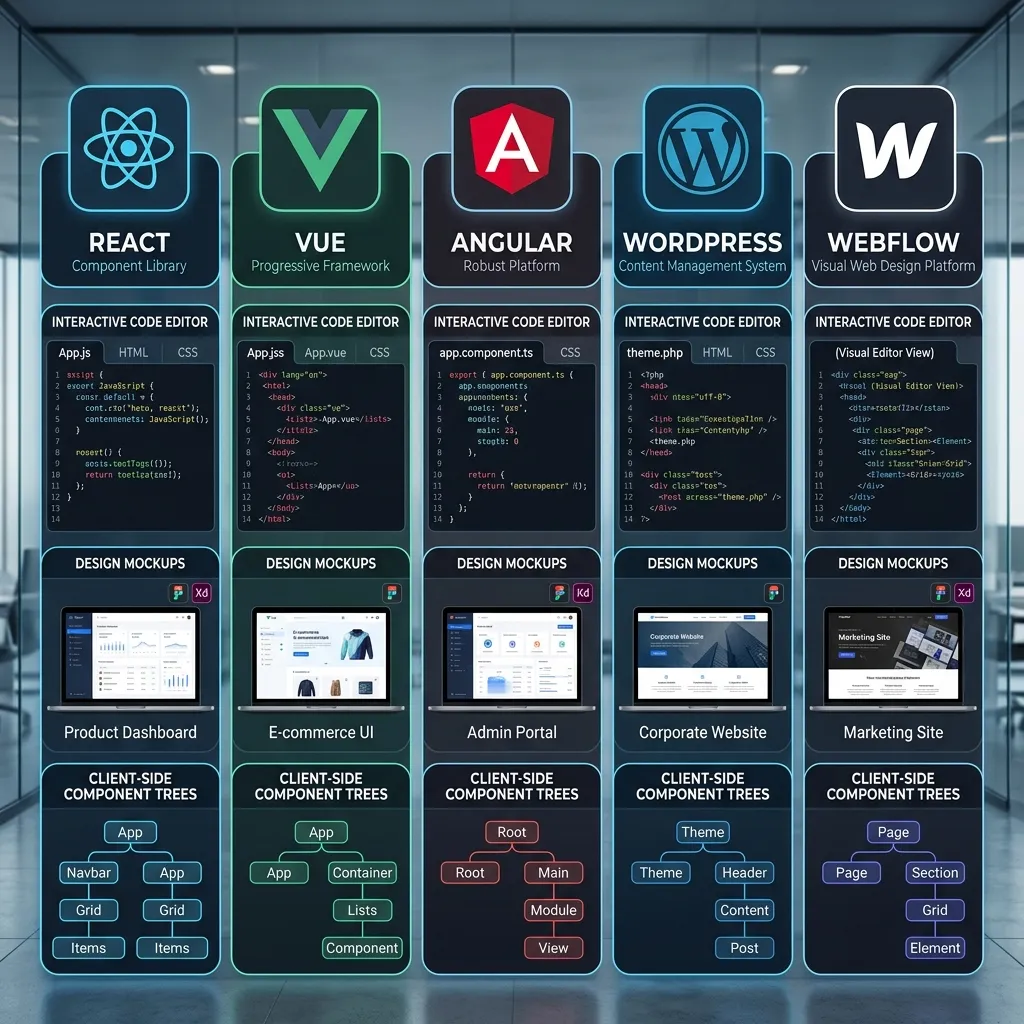
Choosing the right Content Management System (CMS) in 2026 is a critical decision that impacts your website’s performance, scalability, and total cost of ownership. With hundreds of platforms available, two names consistently stand out for different use cases: WordPress, the open-source giant powering over 43% of the web, and Webflow, the design-first platform that has redefined visual web development. This guide breaks down every aspect of both platforms to help Indian businesses make an informed choice.
WordPress Overview
WordPress holds approximately 63% of the CMS market share globally, making it the most widely used website building platform in existence. Its dominance stems from its open-source nature — anyone can download, modify, and distribute the software freely.
The plugin ecosystem is WordPress’s greatest strength. With over 60,000 plugins in the official repository and thousands more on third-party marketplaces, you can add virtually any functionality imaginable: e-commerce, membership portals, forums, learning management systems, booking engines, and more. WooCommerce alone powers over 28% of all online stores worldwide.
WordPress also benefits from a massive global community. Thousands of developers, designers, and agencies specialize in WordPress, making it easy to find talent, tutorials, and support at virtually any price point. For Indian businesses, this translates to affordable development costs and localized support options.
However, this flexibility comes with complexity. Managing a WordPress site requires understanding themes, plugins, hosting configurations, and security practices. The platform’s modular architecture means you are responsible for assembling and maintaining the various components that make up your website.
Webflow Overview
Webflow takes a fundamentally different approach. Founded in 2013, it positions itself as a visual development platform that bridges the gap between design tools like Figma and traditional CMS platforms. The visual canvas allows designers to build responsive, production-ready websites without writing a single line of code — though the option to inject custom CSS, HTML, and JavaScript is always available.
One of Webflow’s most compelling features is its all-inclusive hosting infrastructure. Every Webflow site comes with enterprise-grade hosting on Amazon Web Services (AWS), automatic SSL certificates, a global CDN powered by Fastly, and built-in form handling. There is no need to purchase separate hosting, configure DNS settings, or manage server environments.
Webflow also includes a native CMS that is deeply integrated with the visual designer. Content collections, dynamic pages, and relational databases can all be managed through the same interface used for design. This tight integration produces cleaner, faster websites compared to platforms where the CMS and design layer are separate systems.
The platform’s template marketplace, while smaller than WordPress’s theme library, features professionally designed templates that are optimized for performance and conversion. Customization happens through the visual builder rather than through code, making it accessible to designers without development backgrounds.
Ease of Use Comparison
The ease of use comparison depends entirely on what task you are performing. For design and development, Webflow has a clear advantage. The visual canvas provides real-time feedback, drag-and-drop components, and a design system that mirrors professional tools like Figma. You can see exactly how your site will look on desktop, tablet, and mobile as you build it.
WordPress, by contrast, typically requires you to preview changes separately from the editor. While the Gutenberg block editor has improved the editing experience, achieving pixel-perfect layouts often requires page builders like Elementor or Divi, which add another layer of complexity and potential performance overhead.
For content management and daily updates, WordPress has the edge. Its admin dashboard is familiar to millions of users worldwide. Adding blog posts, updating pages, uploading media, and managing categories are all intuitive tasks that require minimal training. Webflow’s editor mode is capable but less conventional — content editors unfamiliar with design tools may need a short orientation period.
The setup process also differs significantly. A WordPress site requires purchasing hosting, installing WordPress, choosing a theme, configuring plugins, and setting up security measures. This process can take several hours for beginners. Webflow sites are ready to build immediately after signup — no server configuration, no software installation, and no SSL setup required.
Design Flexibility
WordPress offers over 12,000 free themes and thousands of premium themes, providing a starting point for virtually any type of website. However, achieving a truly custom design typically requires either a custom theme (which needs development expertise) or a page builder plugin that adds visual editing capabilities.
The limitation with WordPress themes is that you are often constrained by the theme’s predefined structure. Modifying layouts, typography, and spacing beyond what the theme allows requires custom CSS or PHP modifications. Premium themes like Astra and GeneratePress offer extensive customization options, but they still operate within a framework that restricts certain design choices.
Webflow’s visual builder eliminates these constraints entirely. Every element on the page can be positioned, styled, and animated without code. The platform uses a CSS-based styling model that gives you direct access to properties like flexbox, grid, transforms, and transitions. For designers accustomed to tools like Figma or Sketch, the workflow feels natural and powerful.
Custom animations and interactions are where Webflow truly excels. Scroll-triggered animations, hover effects, page transitions, and complex micro-interactions can all be built visually. In WordPress, achieving similar effects typically requires premium plugins or custom JavaScript development.
SEO Capabilities
Both platforms can achieve excellent search engine rankings, but their approaches differ significantly. WordPress, paired with plugins like Yoast SEO or RankMath, provides granular control over title tags, meta descriptions, schema markup, XML sitemaps, and redirect management. The plugin ecosystem means you can find specialized tools for virtually any SEO task.
Webflow handles many SEO fundamentals natively. Clean, semantic HTML is generated automatically, eliminating the bloat that often plagues WordPress sites built with heavy page builders. XML sitemaps are generated automatically, meta tags are easily editable through the page settings, and 301 redirects can be configured without plugins.
Page speed is a critical SEO factor, and this is where Webflow has a structural advantage. Because Webflow sites are hosted on optimized infrastructure with built-in CDN and caching, they tend to load faster out of the box. WordPress sites require additional optimization — caching plugins, image compression, CDN configuration, and quality hosting — to achieve comparable performance.
Core Web Vitals, Google’s metrics for measuring user experience, are generally easier to pass on Webflow due to the optimized hosting and clean code output. WordPress sites can achieve excellent scores, but they require more deliberate optimization effort.
E-commerce Features
For e-commerce, WordPress relies primarily on WooCommerce, a free plugin that transforms a WordPress site into a fully functional online store. WooCommerce powers millions of stores worldwide and supports physical products, digital downloads, subscriptions, bookings, and marketplace functionality. The plugin is free, but premium extensions for payment gateways, shipping, and marketing can add significant cost.
Webflow offers its own e-commerce solution, Webflow Commerce, which is integrated directly into the platform. Product management, inventory tracking, order processing, and checkout customization are all handled within the Webflow interface. The checkout experience can be fully customized to match your brand, something that is more difficult to achieve with WooCommerce’s standard checkout flow.
WooCommerce wins on extensibility — thousands of plugins extend its functionality for specific business models, regional payment gateways, and fulfillment services. Webflow Commerce wins on design flexibility and out-of-the-box performance, but it lacks the extensive third-party ecosystem that WooCommerce enjoys.
For Indian businesses specifically, WooCommerce has better support for local payment gateways like Razorpay, PayU, and Instamojo through dedicated plugins. Webflow Commerce supports Stripe and PayPal natively, but integrating Indian payment gateways may require custom development.
Pricing Comparison
| Cost Component | WordPress | Webflow |
|---|---|---|
| Platform License | Free | Free (Starter) to ₹4,500/month |
| Hosting | ₹200–₹3,000/month | Included |
| SSL Certificate | ₹0–₹1,500/year | Included |
| CDN | ₹0–₹2,000/year | Included |
| Premium Theme | ₹2,000–₹8,000 one-time | ₹0–₹5,000 one-time |
| Essential Plugins | ₹1,000–₹10,000/year | N/A |
| Maintenance | ₹500–₹5,000/month | ₹0 |
| Total Annual Cost | ₹15,000–₹80,000 | ₹22,000–₹54,000 |
WordPress’s cost structure is variable. A simple blog can run for under ₹10,000 per year, while a complex e-commerce site with premium plugins and managed hosting can exceed ₹1,00,000 annually. The open-source model means you pay only for what you need, but costs can escalate quickly as requirements grow.
Webflow’s pricing is more predictable. The Business plan at approximately ₹4,500/month (₹54,000/year) includes hosting, SSL, CDN, CMS, and form handling. There are no surprise costs for plugins or security patches. For businesses that value budget predictability, this is a significant advantage.
Security and Maintenance
Security is one of WordPress’s most discussed challenges. Because it is open-source and widely used, it is a frequent target for hackers. The platform requires regular updates to the core software, themes, and plugins — each update carries a small risk of breaking functionality. Monthly maintenance tasks typically include updating software, monitoring security logs, managing backups, and optimizing database performance.
Managed WordPress hosting providers like SiteGround, WP Engine, and Kinsta handle many of these tasks automatically, but they come at a premium price. For businesses without technical staff, outsourcing WordPress maintenance to an agency or managed service provider adds ₹5,000–₹20,000 per month to the operating budget.
Webflow eliminates these concerns entirely. Security updates, server maintenance, backups, and performance optimization are handled by Webflow’s team. You never need to install a security patch, update a plugin, or worry about a vulnerability in your hosting environment. For businesses that cannot dedicate resources to website maintenance, this is a compelling advantage.
Scalability
WordPress scales well when properly configured. Enterprise-level sites like TechCrunch, Sony Music, and the BBC run on WordPress with millions of page views per month. However, achieving this level of performance requires quality hosting, caching solutions, CDN configuration, and sometimes database optimization.
The challenge with WordPress scaling is that it often requires technical expertise and infrastructure investment. As traffic grows, you may need to upgrade hosting plans, implement advanced caching, or migrate to a dedicated server. Each upgrade adds complexity and cost.
Webflow scales automatically within its hosting infrastructure. Since sites are hosted on AWS with Fastly CDN, performance remains consistent regardless of traffic spikes. The trade-off is that Webflow has usage limits on CMS items, bandwidth, and form submissions depending on your plan. For sites that exceed these limits, WordPress on dedicated infrastructure may offer more flexibility.
Enterprise readiness favors WordPress for large organizations with complex requirements. Custom workflows, multi-language content, advanced user roles, and integration with enterprise systems are all achievable through WordPress’s extensive plugin and API ecosystem. Webflow is catching up but still lags behind WordPress in enterprise-level features.
When to Choose WordPress vs Webflow
Choose WordPress if you need extensive plugin functionality, plan to run a large e-commerce store with many integrations, require multi-language support, want to hire affordable developers, or need a platform with decades of proven enterprise scalability.
Choose Webflow if design quality is your top priority, you want zero maintenance overhead, your team includes designers who prefer visual tools, you value predictable pricing, or you need a fast launch without server management.
For content-heavy sites like blogs, news publications, and documentation portals, WordPress remains the stronger choice due to its mature editorial workflow and extensive categorization options. For marketing sites, portfolios, and product landing pages where visual impact matters, Webflow delivers superior results with less effort.
Indian Market Considerations
Indian businesses face specific considerations when choosing between these platforms. Hosting costs in India are significantly lower than global averages — quality WordPress hosting starts at ₹100–₹200 per month from providers like Hostinger India, Bluehost India, and SiteGround. This makes WordPress exceptionally affordable for Indian startups and small businesses.
Payment gateway integration is another important factor. WooCommerce has mature integrations with Razorpay, PayU, CCAvenue, and other popular Indian payment gateways through dedicated plugins. Webflow Commerce primarily supports Stripe, which has limited availability in India. Businesses relying on Indian payment gateways may find WordPress more practical for e-commerce.
Local support and development talent are also considerations. India has a vast pool of WordPress developers available on platforms like Freelancer, Upwork, and local agencies. Finding Webflow expertise is more challenging, though the platform’s visual nature means non-developers can build and maintain sites without specialized talent.
GST compliance and Indian regulatory requirements are easier to implement in WooCommerce through plugins that handle GST calculations, invoice generation, and compliance reporting. Webflow would require custom development for similar functionality.
Conclusion
There is no universally superior platform — the right choice depends on your specific requirements, budget, and technical capabilities. WordPress offers unmatched flexibility and a mature ecosystem that can accommodate virtually any website requirement. Webflow delivers a superior design experience with zero maintenance overhead and predictable pricing.
For most Indian small and medium businesses starting their online journey, WordPress remains the practical choice due to its lower entry cost, abundant local talent, and extensive payment gateway support. For businesses prioritizing design excellence and willing to invest in a premium platform, Webflow offers a compelling alternative that eliminates much of the complexity associated with traditional CMS platforms.
The best approach for many organizations may be to evaluate both platforms against your specific use case. Build a prototype in each, assess the workflow for your team, and make a decision based on real experience rather than theoretical advantages.
Need expert help? Learn how our web development services can help you achieve better results.
CMS Decision Matrix: WordPress vs Webflow
Compare both platforms across key decision criteria for Indian businesses.
| Criteria | WordPress | Webflow |
|---|---|---|
| Setup time | 2-8 hours (hosting + install + config) | 0 hours (ready immediately) |
| Design flexibility | Limited by theme; requires dev for custom | Full visual control; designer-friendly |
| Plugin ecosystem | 60,000+ plugins (massive) | Built-in features + limited integrations |
| SEO control | Granular (Yoast/RankMath) | Good built-in controls |
| Performance out-of-box | Requires optimization | Optimized by default |
| E-commerce | WooCommerce (mature, local gateways) | Webflow Commerce (limited gateways) |
| Maintenance | Regular updates required | Zero maintenance |
| Annual cost (SMB) | ₹15,000-₹80,000 | ₹22,000-₹54,000 |
| Local talent pool | Abundant in India | Limited but growing |
| Multi-language | Excellent (WPML/Polylang) | Limited |
| Enterprise features | Mature (LDAP, workflow, roles) | Catching up |
| Indian payment gateways | Razorpay, PayU, CCAvenue (native) | Stripe only (limited in India) |
Recommended Scenario Selection
| Your Priority | Choose |
|---|---|
| Maximum flexibility, plugins, local payments | WordPress |
| Design quality, zero maintenance, fast launch | Webflow |
| Content-heavy site (blog, news, portal) | WordPress |
| Marketing site, portfolio, landing pages | Webflow |
| Large e-commerce with Indian gateways | WordPress + WooCommerce |
| Budget predictability, all-inclusive pricing | Webflow |
Related Articles

Clinic & Hospital Website Development in Hisar — Build Your Practice Online
Need a clinic or hospital website in Hisar? We build medical websites with online booking, patient portals, and telemedicine integration. Starting at ₹25,000. Get a free consultation today.

How to Improve Core Web Vitals in 2026: Complete Guide with Actionable Fixes
Learn how to improve Core Web Vitals (LCP, INP, CLS) for better Google rankings and user experience. Complete guide with technical fixes, tools, and best practices for 2026.

E-Commerce Website Development in Hisar — Build Your Online Store
Need an e-commerce website in Hisar? We build Shopify and WooCommerce stores for Hisar retail businesses. Online stores starting at ₹50,000. Get a free consultation today.
